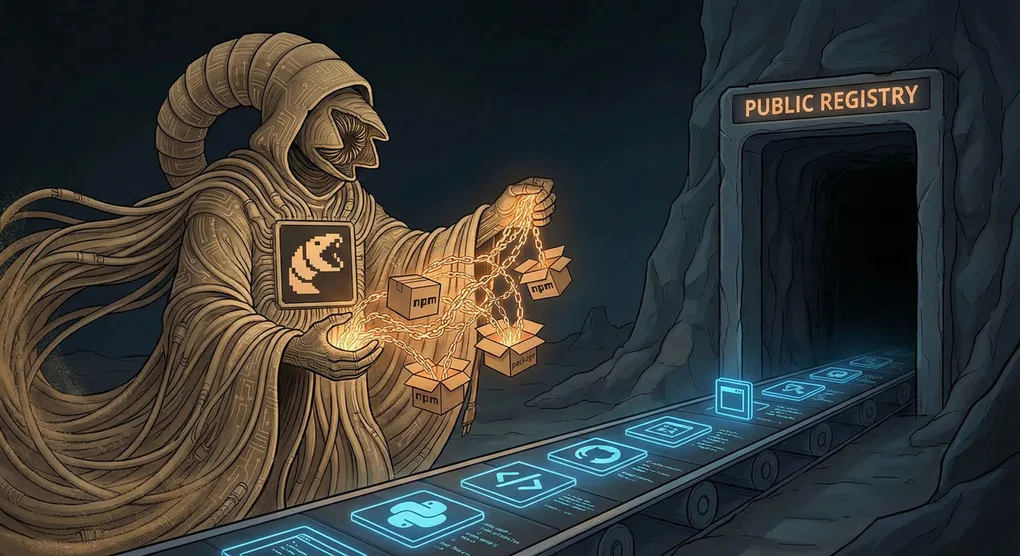
>> NPM Supply Chain Attacks: The “Shai-Hulud” of the JavaScript Desert
When you build JavaScript apps, you rely heavily on packages from the registry called npm. This registry hosts more than 2 million packages tools that make development faster. But like the deep sands of software supply chain, danger can hide beneath the surface.
In this article, we’ll explore NPM supply chain attacks, explained like giant sandworm strikes from the Dune world beginner friendly, practical, and easy to understand.
🏜️ What is a Supply Chain Attack in NPM?
Normally, your project depends on NPM packages like you depend on stable ground. A supply chain attack happens when:
- A package you install is secretly malicious
- A legitimate package gets hacked or injected with bad code
- A fake package with a similar name tricks developers into installing it
This is like Shai-Hulud attacks, where danger rises from below when you least expect it.
🪱 Meet the Worms of NPM
Here are the types of threats (worms) you might encounter:
Typosquatting Worm
Attackers upload a package with a name almost identical to a popular one.
Example:
- Real package: react-icons
- Fake package: reacticonz or react-iconsx
Developers might install the fake one by mistake, inviting the worm to strike!
Compromised Package Worm
A good package gets hijacked by attackers and updated with malware.
This happened to famous tools like build helpers and crypto libraries in the past trusted, until the worm woke up.
Malicious Update Worm
Even without hacking the whole package, attackers contribute a dangerous update or dependency that sneaks in through versions.
⚠️ What Happens When the Worm Attacks?
If you install a bad NPM package, it might:
Danger What it Means 🔑 Steal environment variables - Can grab API keys, database passwords 💰 Mine crypto - Slows down computers and servers 🕵️ Spy or log data - Can track users or network activity 🚪 Open backdoors - Gives attacker remote access 🔥 Break code or deploy malware - Can sabotage production Unlike normal bugs, these are intentional attacks silent, planned, and harmful.
The desert tribe of Fremen survived giant worms using smart rules. You can do the same in NPM:
1. Install Carefully (Avoid the Rhythm)
Don’t rush while installing packages.
- Double check the package name
- Avoid copy-paste mistakes
- Be suspicious of new or unknown packages
2. Read the Signs (Package Health Check)
Before installing, check:
- Weekly downloads
- GitHub stars
- Last published date
- Number of maintainers
- Issues & community activity
Healthy = safer sands.
3. Use Lockfiles (Sand Stabilizers)
Tools like:
package-lock.json(NPM)yarn.lock
These lock the exact package version so nothing changes without your knowledge.
4. Audit for Danger
Use built-in tools:
npm auditThis checks for known vulnerabilities or malicious code.
5. Trust Verified Packages
NPM offers a verified badge for trusted publishers. Install from trusted sources as much as possible.

Powerful teams still rely on dependencies from npm, like how House Atreides trusted their harvesters in Arrakis. But without understanding the desert rules, even trusted tools and pipelines can fall into danger.
This reminds us:
No package is too popular to be targeted.
💡 Beginner Checklist Before Installing an NPM Package
Use this quick guide:
- Is the package name correct? ✅ Yes, double-checked
- Does it have high downloads? ✅ 10k+ weekly preferred
- Last update recent? ✅ Within 6 months
- Several maintainers? ✅ More than 1
- Good reputation? ✅ Strong community
- Verified publisher badge? ✅ If available
If many answers are ❌, the worm might be near!
🧭 Final Thoughts
In the JavaScript world, dependencies save us time, but also open paths for danger. Supply chain attacks are stealthy like Shai-Hulud, but you can survive by:
- Installing carefully
- Using security tools
- Trusting community signals
- Freezing versions in lockfiles
The desert rule for beginners?
The registry gives. The registry can take. Install wisely.
Stay alert, and may your code remain safe from the lurking worms!